

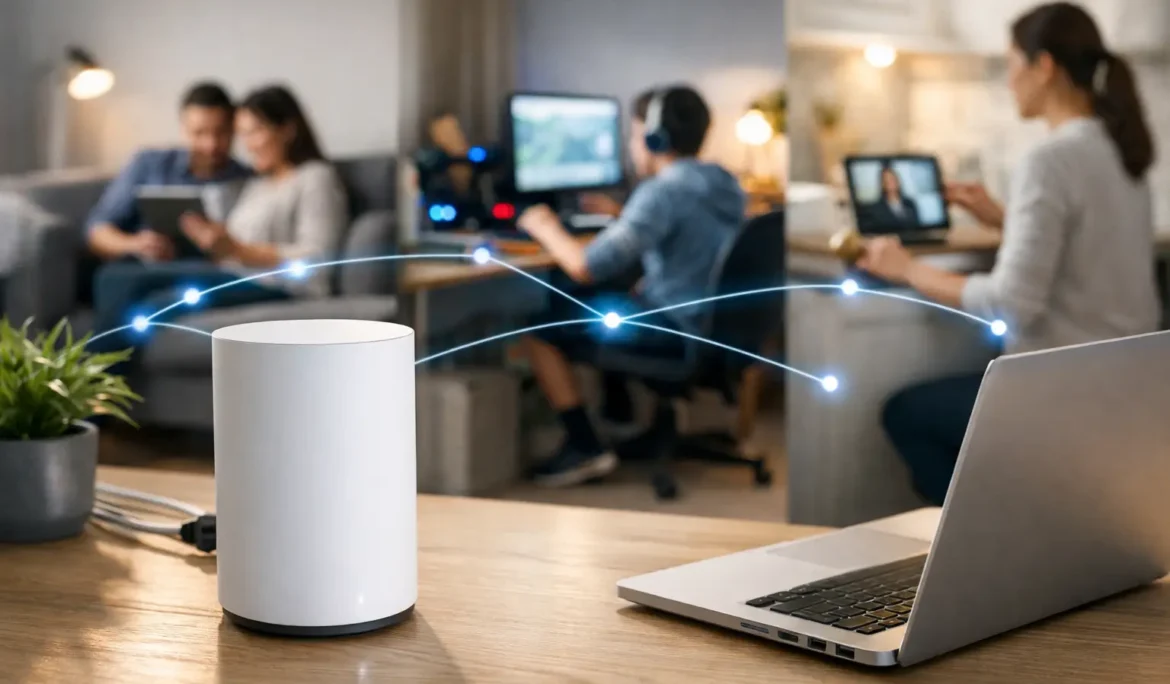
A movie freezes just as the story gets good. A video meeting stutters when someone starts a game upstairs. The smart shades respond slowly, or a camera drops offline at the edge of the property. These are rarely individual device problems. More often, they are signs that home networking was treated as an afterthought instead of the foundation of a connected home.
For homeowners investing in entertainment, automation, and everyday convenience, dependable connectivity is not a luxury feature. It is what allows every other system to perform the way it should. A well-designed network supports the technology you use now while leaving room for the home you plan to enjoy years from now.
Why home networking deserves a proper plan
The typical household relies on far more connected devices than most people realize. Phones, tablets, computers, televisions, streaming players, game consoles, smart speakers, thermostats, lighting controls, security cameras, video doorbells, appliances, and automation hubs all share the same network.
That demand becomes even greater in a larger home. Dense construction materials, finished basements, outdoor living spaces, detached garages, and multiple floors can all weaken Wi-Fi coverage. A single router placed near an internet service entry point may work adequately in one area while leaving bedrooms, patios, offices, and media rooms with inconsistent service.
The issue is not always internet speed. A fast internet plan cannot fix weak wireless coverage, network congestion, poor equipment placement, or an overloaded all-in-one router. Home networking is about how information moves through your property, not simply how quickly it enters the house.
What a professionally designed network changes
A thoughtfully planned network replaces guesswork with a system designed around your home, your construction, and your lifestyle. The result should feel simple: devices connect quickly, video plays without interruptions, and smart home controls respond when you ask them to.
Coverage where you actually live
Reliable Wi-Fi should not stop at the family room. It should reach the home office, primary suite, kitchen, children’s bedrooms, basement, gym, garage, and outdoor entertaining areas where coverage is needed.
Rather than relying on one device to push a signal across an entire property, a professional design uses properly located wireless access points. These access points work together to provide consistent coverage as you move from room to room. Placement matters. An access point hidden in the wrong cabinet or positioned near interfering materials can create weak spots even when the equipment itself is excellent.
For new construction and renovations, planning access point locations before walls are closed gives the system a cleaner appearance and better long-term performance. In an existing home, a careful site evaluation can identify practical ways to improve coverage without turning the home into a collection of visible gadgets and wires.
Wired connections for performance-critical rooms
Wi-Fi is essential, but it is not the best connection for every device. Home theater components, gaming systems, desktop computers, video conferencing equipment, and networked media servers often benefit from a hardwired Ethernet connection.
A wired connection delivers stable performance without competing for wireless bandwidth. This is especially valuable in a dedicated theater or entertainment room, where high-resolution streaming, whole-house audio, and control systems may all be active at once. It also creates a more dependable backbone for wireless access points throughout the home.
There is a trade-off: wiring is easiest to install during construction or renovation. Still, many existing homes can be improved through thoughtful cable routing and equipment placement. The right approach depends on the property, the systems involved, and the level of performance expected in each room.
Capacity for a busy household
The question is no longer, “How many people are online?” It is, “How many devices are active at the same time?” A family may be streaming in several rooms while someone works remotely, children attend online classes, security cameras record activity, and lighting or climate systems communicate in the background.
A network should be designed for those real-world moments, not just casual web browsing. Professional-grade networking equipment can manage many simultaneous connections more effectively, prioritize critical traffic, and maintain better stability under demand. That means the theater does not need to compete with a laptop backup, and a work call is less likely to suffer because multiple devices are streaming nearby.
The network behind a smart home
Smart home technology is only as dependable as the network supporting it. When lighting, shades, climate controls, audio, security, and entertainment are integrated through a platform such as Control4, Savant, or URC, the network becomes the communication path behind every command.
If that foundation is inconsistent, homeowners may see delayed responses, devices that appear offline, or automation routines that do not perform as expected. It can be frustrating because the issue may look like a problem with the lighting system, television, or smart speaker when the real cause is network instability.
A properly configured network helps prevent those frustrations. It can separate certain device types where appropriate, improve security, and make troubleshooting more efficient if an issue ever arises. This level of planning is particularly useful for homes with numerous smart devices, because not every device has the same performance or security requirements.
Security is part of home networking
Convenience should never come at the expense of privacy. Connected cameras, doorbells, automation systems, computers, and personal devices all make network security a serious consideration.
Strong passwords and current software are basic starting points, but a secure home network involves more than changing the default name on a router. It may include protected guest access, proper firewall configuration, secure remote access, and thoughtful separation between personal devices, visitor devices, and certain smart home equipment.
Guest Wi-Fi is a simple example. Visitors should be able to connect easily without gaining access to private computers, network storage, cameras, or control systems. The goal is not to make the network complicated for the homeowner. It is to make it intelligently managed behind the scenes.
Common signs your network needs attention
Some network problems are obvious, while others become so routine that homeowners begin to accept them. If you regularly move closer to the router for a better signal, reset equipment to restore service, or avoid using Wi-Fi in certain rooms, the network is asking for attention.
Other warning signs include streaming interruptions, dropped video calls, slow loading on otherwise capable devices, cameras that frequently disconnect, or a smart home system that responds inconsistently. A new internet service plan may help in some situations, but it is not a substitute for diagnosing the network inside the home.
It is also wise to review the network before adding major technology. A new home theater, whole-house audio system, outdoor TV, video wall, or expanded automation platform can place additional demands on connectivity. Planning the network alongside these improvements protects the experience you expect from them.
A better process than buying another router
When Wi-Fi becomes frustrating, the common reaction is to purchase a more powerful router and hope for a quick fix. That can help in a small, uncomplicated home, but it often fails to address the actual cause. Square footage is only one part of the equation. Wall materials, room layout, construction details, device density, outdoor coverage needs, and wired infrastructure all matter.
A professional assessment starts with how you use the home. Which rooms need the strongest coverage? Where do you work, stream, entertain, or spend time outdoors? Are there areas where connectivity is already unreliable? Are you planning renovations or adding smart home technology?
From there, the system can be designed with appropriately placed access points, wired connections where they matter most, secure equipment configuration, and a clean equipment location that is accessible for service. Cine Acoustic approaches networking as part of the overall technology experience, so the network supports the entertainment and automation systems built around it rather than becoming another device homeowners have to manage.
Plan for the home you are creating
The best home networking system is not the one with the longest feature list. It is the one that quietly supports your household without demanding constant attention. It should make a family movie night more enjoyable, help a workday run smoothly, keep connected systems responsive, and extend dependable coverage to the places where life happens.
If your home is being built, renovated, or expanded with new technology, bring the network conversation forward early. A carefully planned foundation makes every connected experience feel easier from the first day you use it.