

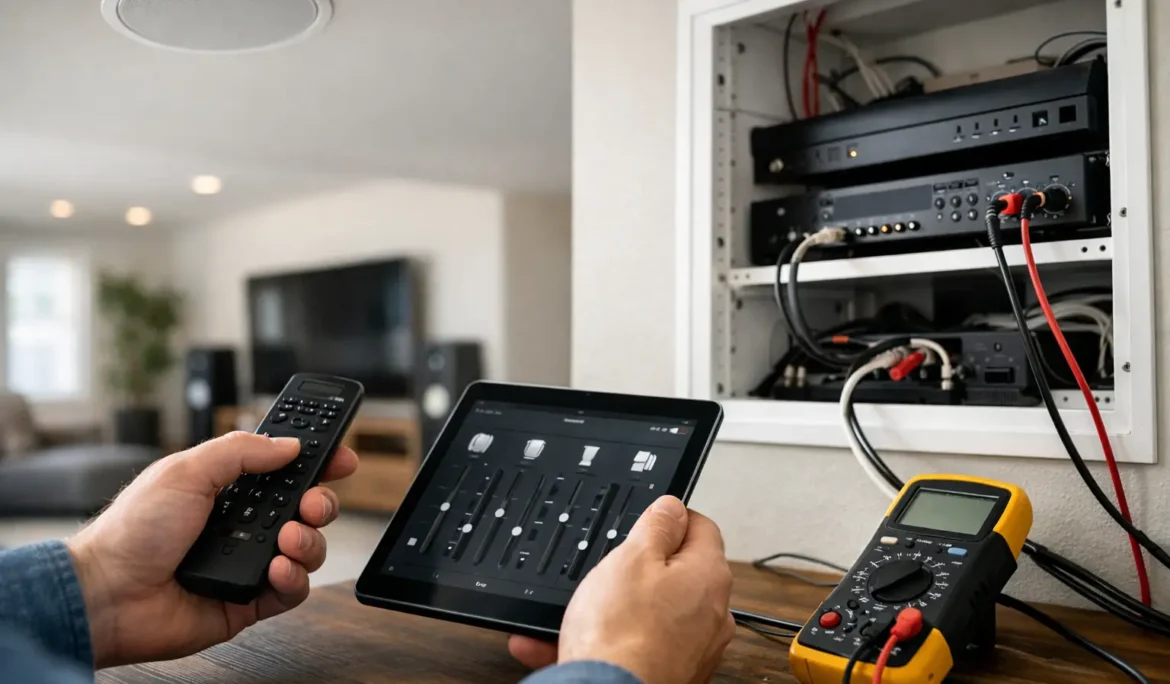
When music plays perfectly in the kitchen but disappears in the patio or cuts out upstairs, the problem usually is not the entire system. Whole house audio troubleshooting works best when you narrow the issue down by zone, source, control method, and network behavior instead of assuming everything failed at once.
A distributed audio system is designed to feel simple for the homeowner. Behind that simplicity, though, there may be amplifiers, streamers, control processors, network switches, wireless access points, keypads, apps, and multiple source devices all working together. When one piece stumbles, the symptom can show up somewhere completely different. That is why a calm, methodical approach tends to solve problems faster than replacing hardware too soon.
Start whole house audio troubleshooting with the symptom
The first question is not, “What device is broken?” It is, “What exactly is happening?” A zone with no sound is a different issue from a zone with delayed sound, distorted sound, low volume, or music that stops randomly. If every room is affected, the source, network, or central equipment is more likely involved. If only one room has trouble, the problem is usually local to that zone.
It also helps to notice whether the issue happens with every source or only one. If internet radio keeps dropping but TV audio plays fine through the same speakers, that points you in a very different direction than a room that stays silent no matter what you select.
The most common causes of whole house audio issues
In well-designed systems, most problems come from a short list of causes. Network instability is high on that list, especially in larger homes where streaming audio depends on strong coverage and proper device communication. Source configuration problems are also common. A streaming service account may have signed out, an input may have been reassigned, or a source device may need a restart.
Then there are zone-specific issues such as muted outputs, amplifier protection mode, loose speaker connections, or a keypad or app that is out of sync with the system. In some homes, firmware updates can also create odd behavior. Updates are useful, but if one device updates while another does not, controls and playback can stop behaving consistently.
No sound in one room
When a single zone goes quiet, start with the basics before assuming a speaker or amplifier has failed. Make sure the room is actually on, the volume is above zero, and mute is not enabled from a keypad, handheld remote, or mobile app. It sounds obvious, but these are some of the most frequent service-call causes because distributed audio systems often have more than one control layer.
Next, test a different source in that same room. If one source plays and another does not, the zone is probably healthy. The issue is likely upstream at the source or routing level. If nothing plays in that room, try grouping the room with a working zone. If the room still stays silent while others play normally, the problem may be tied to that room’s amplifier channel, wiring path, or speaker connection.
If the room comes and goes intermittently, heat can also be a clue. An amplifier that is poorly ventilated may shut down a channel temporarily to protect itself. That does not always look dramatic. Sometimes it just acts unreliable.
Sound drops out across multiple zones
When several rooms cut out at the same time, the network deserves attention first, especially if the system relies on streaming platforms or app-based control. Audio distribution can be very forgiving in a small setup and much less forgiving in a larger home with many connected devices competing for bandwidth.
A weak wireless signal, overloaded access point, roaming issue, or network switch problem can all show up as intermittent audio. If music pauses, buffers, or disappears across several zones, see whether other connected experiences in the home are also behaving poorly. Slow app response, delayed camera loading, or unreliable smart home control often point to the same root cause.
Rebooting the router may bring the system back temporarily, but if the issue returns, that usually means the network needs deeper evaluation. Reliable whole-home entertainment depends on a network built for it, not just a basic internet setup.
Audio is playing, but it is out of sync
Lag between rooms is one of the more frustrating issues because the system seems to be working, just not together. Echoing between adjacent spaces often happens when one zone is grouped differently from the others, when two sources are playing nearly the same content with a slight delay, or when a TV audio path is mixed with streamed audio zones.
TV audio can be especially tricky. Some displays, cable boxes, and streaming devices add processing delay. If the family room TV sound is routed into the house audio system, nearby rooms may not match perfectly unless the system has been configured to manage that delay. In those cases, the fix may involve source settings, audio extraction hardware, or control-system programming rather than the speakers themselves.
Distorted or weak sound
If the music is thin, harsh, or noticeably quieter than usual, start by determining whether it affects one speaker, one room, or the whole system. One distorted speaker in a pair often points to a local wiring or speaker issue. A whole room that sounds strained may indicate amplifier trouble, incorrect settings, or a source output that is too hot or too low.
Outdoor zones deserve special mention. Weather exposure, moisture, and seasonal wear can affect speaker connections and performance over time. A patio system that sounded excellent last summer but now seems faint or crackly may need inspection at the speaker terminals, volume controls, or outdoor wiring connections.
This is also where user settings matter. Some systems allow tone adjustments, maximum volume limits, and source-specific gain settings. If those have been changed, the result can sound like hardware trouble when it is really a configuration issue.
When the app is the problem, not the audio
Homeowners often assume there is no sound because the app is not responding correctly. In reality, the audio equipment may still be online while the control interface has lost communication. If the app spins, shows missing rooms, or fails to update volume levels, test another control method if one is available. A wall keypad, touch panel, or remote can quickly tell you whether the problem is playback or control.
Phones and tablets can also hold onto old network sessions. Closing and reopening the app, reconnecting to the correct Wi-Fi network, or restarting the device may restore control. If several family members are seeing the same issue on different devices, the control processor or network path may need attention.
A practical sequence that saves time
Good whole house audio troubleshooting usually follows a simple order. Confirm the symptom. Check whether it affects one room or all rooms. Test another source. Test another control method. Restart only the relevant devices first instead of power-cycling everything at once.
That last point matters. A full-system reboot can temporarily hide the original cause. It may restore operation, but it also removes the clues that help identify whether the problem came from the source, control platform, amplifier, or network. When possible, make one change at a time and note what improves.
When professional service makes more sense
Some issues are worth solving in-house. Others are better handled by the team that designed or supports the system. If audio failures are recurring, if certain rooms never perform consistently, or if the system becomes harder to use over time, the problem may be larger than a loose setting.
That is often where a professionally supported ecosystem proves its value. A well-integrated system should not feel fragile. It should respond quickly, play reliably, and stay easy to operate for everyone in the home. When it does not, the answer is often a combination of network refinement, programming updates, hardware diagnostics, and better system tuning rather than a single dramatic fix.
For homeowners who want dependable performance without turning every music issue into a weekend project, support from an experienced integrator can save time and frustration. Cine Acoustic approaches these systems the way they should be approached in the first place – as a complete experience, not a pile of disconnected parts.
If your audio system is acting inconsistent, the best next step is usually the simplest one: pay close attention to the pattern. The room, the source, and the moment the issue appears will tell you far more than the silence itself.