

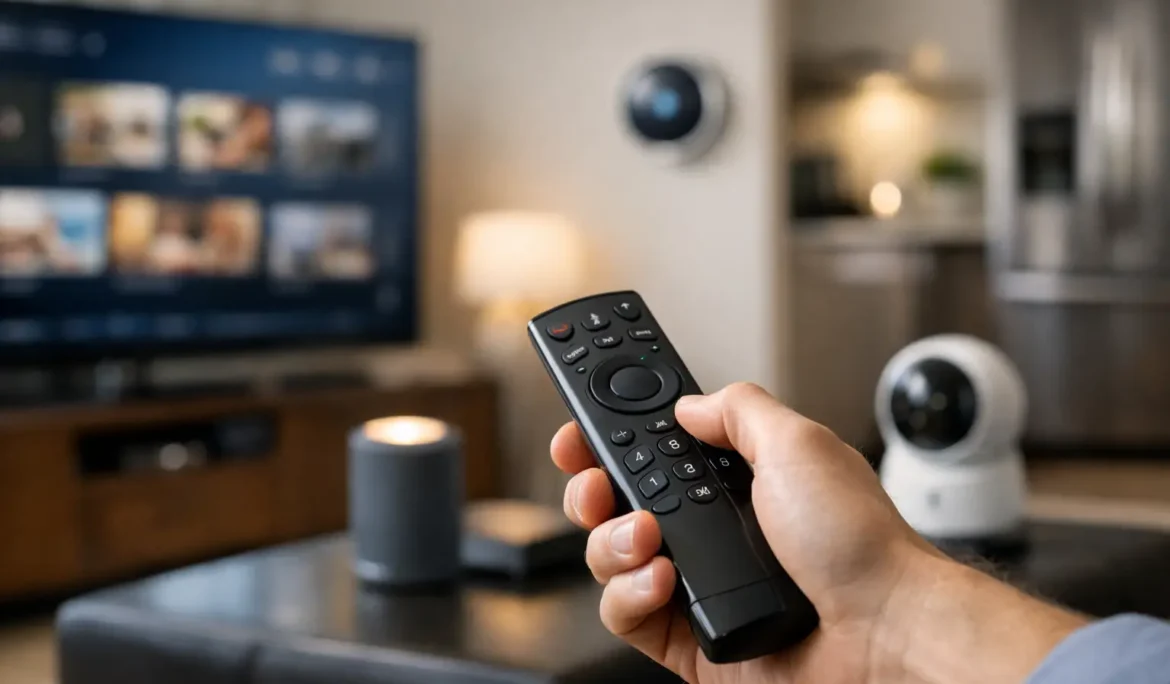
Movie night often starts with a familiar hunt: one remote for the TV, another for the sound system, an app for streaming, and a separate control for the shades. So, can one remote control everything? In a properly designed smart home, one easy-to-use controller can manage the experiences that matter most. The practical answer is more nuanced than a simple yes, but it can dramatically reduce the clutter and frustration of everyday technology.
What “One Remote” Really Means
A single remote does not have to mean one small handheld device attempting to replace every button in the house. It means creating one consistent way to control the systems you use together. That could be a dedicated handheld remote in the family room, a wall keypad near the entry, a touch panel in a theater, or a mobile interface when you are away.
For example, pressing “Watch Movie” can turn on the display or projector, select the correct source, set the surround sound system to the right input, lower the motorized shades, and adjust the lights. Instead of managing five separate products, the room responds as one environment.
This is the difference between a collection of smart devices and an integrated system. Individual devices may work well on their own, but an integration platform coordinates them around your routines. The goal is not more technology to learn. It is fewer decisions to make when you simply want to enjoy your home.
Can One Remote Control Everything You Use Most?
For most homeowners, one controller can handle nearly all common entertainment and comfort functions. A professionally programmed Control4, Savant, or URC system can bring the television, audio system, cable or streaming devices, lighting, shades, climate settings, and selected smart-home features into a unified interface.
In a dedicated theater, the remote can manage a projector, screen, AV receiver, media player, lighting scenes, and motorized shades. A single “Intermission” command can pause content, bring lights up to a comfortable level, and keep the room ready to resume. In a living room, “Goodnight” might turn off the TV, stop music, lower the shades, and switch off selected lights.
Whole-house control can extend the idea further. A homeowner may use one platform to choose music in the kitchen, adjust a lighting scene in the dining room, check an outdoor camera, and close shades in the primary bedroom. The controller is not just replacing remotes. It is providing one familiar experience across the home.
That said, “everything” depends on the equipment involved and how it is installed. The strongest results come from systems selected and designed to work together from the beginning, especially during a renovation or new construction project.
Entertainment Is the Best Starting Point
Entertainment rooms are usually where a universal controller makes the biggest immediate difference. TVs, projectors, surround sound, streaming sources, gaming systems, cable boxes, and premium movie servers each have their own settings and startup requirements. Without thoughtful programming, a simple request to watch a movie can become a chain of input changes and troubleshooting.
A well-designed remote turns that sequence into an activity. The screen displays clear choices such as Watch TV, Stream a Show, Play a Game, or Listen to Music. Behind the scenes, the system handles the equipment commands in the correct order. Family members and guests do not need to understand HDMI inputs, audio modes, or which component needs to power on first.
For homeowners who want a premium movie experience, a curated Kaleidescape system can also be incorporated into the same control environment. The experience feels polished because the content, sound, picture, and room ambiance work together.
Lighting and Shades Make Control Feel Complete
A remote that only turns on the TV solves part of the problem. Adding lighting and motorized shades is what makes the room feel intentionally designed. Bright daylight can interfere with a display, while overly dark pathways make a theater less comfortable. A single command can create the right balance without interrupting the experience.
Lighting control also gives homeowners useful choices beyond entertainment. A “Welcome Home” scene can illuminate key areas, while “Evening” can create a softer atmosphere throughout the main living spaces. Lutron lighting and shade control can be integrated so the room responds consistently, whether commands come from a remote, keypad, touch panel, or automation schedule.
The key is restraint. Not every light needs to appear on every remote screen. The most usable systems surface the controls needed in that room and keep less-frequent functions available without making the interface feel crowded.
Where a Single Remote Has Limits
A good technology consultant should be clear about the trade-offs. Some products are designed around proprietary apps, certain advanced device settings are best handled inside the manufacturer’s original interface, and older equipment may not communicate reliably with modern control systems. A single remote can simplify daily use, but it cannot always expose every specialty setting from every device.
That is usually acceptable. Most households use a small percentage of available controls every day: power, volume, source selection, play and pause, lighting scenes, and shade positions. Those are the functions that deserve to be simple and reliable. Deep configuration menus can remain in the original app or be handled during service support when needed.
Network reliability matters, too. Many modern components depend on the home network to communicate. If Wi-Fi coverage is inconsistent or networking equipment is undersized, an app-based smart home can feel unpredictable. A control system should be supported by a thoughtfully designed network, with dependable coverage where devices, family members, and guests actually use it.
There is also a practical distinction between control and automation. A remote asks you to initiate an action. Automation can act based on time of day, occupancy, or another programmed condition. You may choose to press “Good Morning” to open shades and start music, or the home may perform selected actions automatically. The right balance depends on your lifestyle and how much control you prefer to keep in your hands.
The Design Matters More Than the Remote
The remote itself is only the visible part of the system. The real work happens in the design, installation, programming, and testing behind it. Equipment must be located appropriately, connected correctly, named clearly, and programmed around the way your household uses each room.
This is why a one-remote experience should not be treated as an off-the-shelf purchase. A universal remote may control basic devices in a single room, but it often cannot provide the reliability, feedback, and customized scenes needed for a full home entertainment and automation system. It may also become difficult to maintain as equipment changes.
An integrated solution starts with practical questions. Which rooms need shared audio or video? Do you prefer physical buttons, a touch panel, or both? Should the theater remote control the shades? Are there children, guests, or caregivers who need an especially simple interface? Which routines should happen with one press, and which should remain manual?
The answers determine the right controller, not the other way around. Cine Acoustic designs systems around these everyday details so the final experience feels natural from the first use, not impressive only during a demonstration.
How to Keep One-Remote Control Easy to Use
The best control systems follow a few common principles. They use plain-language commands rather than technical labels, provide dedicated buttons for frequent actions, and keep room-specific controls relevant to the space. A theater remote should prioritize movie functions. A bedroom keypad should prioritize lighting, shades, and simple music control.
Programming should also account for real life. If someone turns off a component manually, the system needs a reliable way to recover. If a streaming device updates, its control should be checked. If you add a new TV or source later, the interface should be updated rather than forcing the household to adopt another remote.
Ongoing support is part of what keeps a sophisticated system simple over time. Technology changes, but a home should not become harder to operate because one device was replaced or an app changed its layout.
A single controller is most valuable when it quietly removes friction. Start with the moments that feel unnecessarily complicated now, whether that is starting a movie, setting the right lighting, or shutting down the house at night. When those routines are designed around your home and your habits, the question stops being whether one remote can control everything and becomes how much easier you want everyday living to feel.