

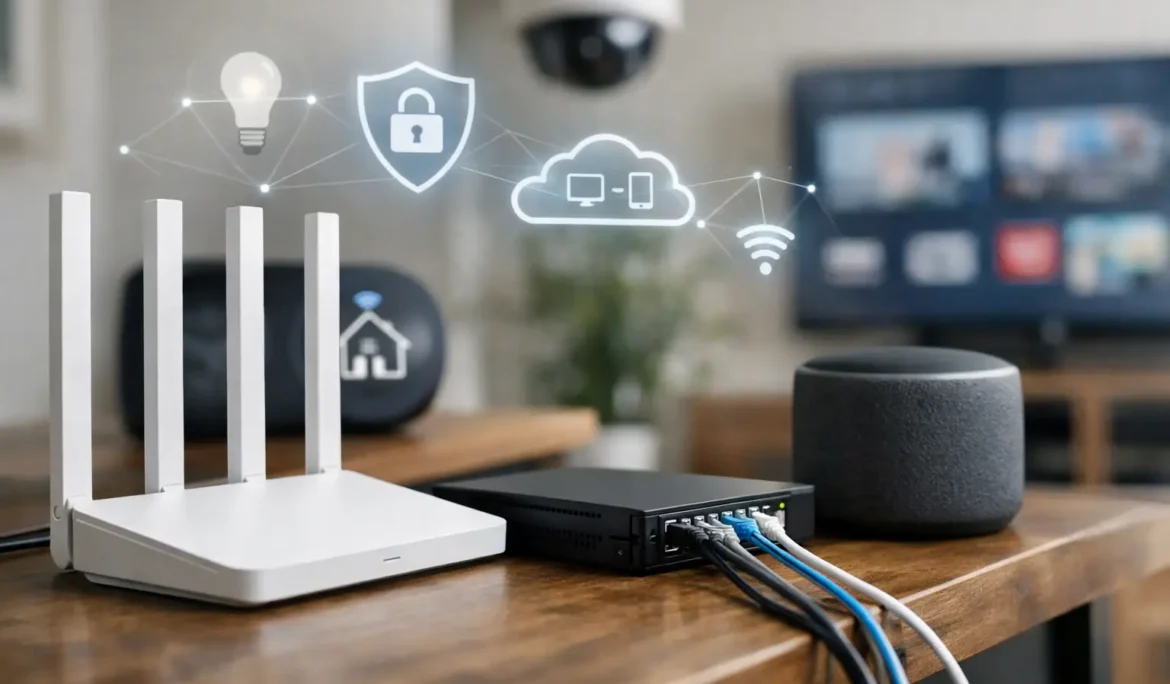
A home network upgrade guide should begin with the moments your current system lets you down: a movie pauses just as the family settles in, a video call freezes during a workday, or smart devices respond slowly when you need them. These are rarely isolated device problems. More often, they are signs that the network supporting your connected home was not designed for how you live now.
A modern home network does far more than provide internet access. It supports streaming, gaming, work, security cameras, lighting control, motorized shades, whole-house audio, home automation, and the growing number of devices that expect a reliable connection at all times. The right upgrade creates a dependable foundation for every one of those experiences.
Start Your Home Network Upgrade Guide With How You Live
The best network is not necessarily the one with the highest advertised speed. It is the one designed around your home, your devices, and the way your household uses technology at the same time.
A family may have several people streaming in different rooms while a parent is on a video conference and security cameras are recording in the background. Another household may place a greater demand on the network through high-performance gaming, a dedicated theater, or whole-house music. A renovated property may also have thick walls, stone finishes, radiant heat systems, or structural details that weaken wireless signals.
Before selecting equipment, take inventory of what depends on the network. Include televisions, streaming players, phones, computers, tablets, gaming systems, speakers, cameras, doorbells, smart thermostats, lighting controls, shades, and any automation platform. Do not overlook devices that are not visible every day, such as AV components in an equipment rack or access points serving outdoor living areas.
This inventory reveals two important realities: how many connections your network must manage, and where reliability matters most. A guest bedroom may tolerate a modest signal. A home office, theater, security system, or primary living space should not.
Identify Whether the Problem Is Speed, Coverage, or Capacity
Many homeowners assume unreliable Wi-Fi means they need a faster internet plan. Sometimes that is true, but it is not the only possibility. Internet speed is the connection delivered to your home. Wi-Fi coverage is how effectively that connection reaches each room. Capacity is how well the network handles many active devices without slowing down.
If every device feels slow, even when you are near the router, the incoming internet service or modem may be the limiting factor. If performance is strong near the router but drops in bedrooms, on upper floors, in a basement, or by the patio, coverage is the more likely issue. If problems appear mainly during busy evenings, when multiple people are online, capacity and network management may need attention.
These distinctions matter because they point to different solutions. Replacing a router may improve certain situations, but it cannot overcome poor placement, interference, inadequate wiring, or a network built for a much smaller number of devices.
Watch for the Telltale Signs
A network is usually ready for an upgrade when Wi-Fi works in some rooms but not others, video calls become unstable, streaming quality shifts unexpectedly, smart devices disconnect, or you regularly reset equipment to restore service. Slow response from an automation system can also indicate that the underlying network needs attention.
Intermittent issues are especially frustrating because they make technology feel unreliable. In a connected home, consistency is often more valuable than a speed test result taken next to the router.
Build Coverage Room by Room
A single wireless router placed wherever the internet enters the home is rarely the ideal answer for a larger or more connected property. It may leave distant rooms, upper levels, finished basements, garages, and outdoor entertainment spaces with weaker service.
A professionally designed Wi-Fi system uses multiple access points placed where coverage is needed. These access points work together as one coordinated network, allowing phones, tablets, and other devices to move through the home without forcing you to manually change networks. Placement is critical. An access point hidden in a poor location can deliver less value than a properly located unit with a clear coverage plan.
Hardwired access points are generally the preferred approach when the home can support structured cabling. Ethernet wiring provides a stable connection between network equipment and each access point, which reduces the amount of wireless traffic competing for airspace. This is particularly useful for high-demand rooms and areas with challenging construction.
Mesh Wi-Fi can be a practical option in certain homes, especially where adding cable is difficult. However, it is not a universal substitute for a designed wired network. Wireless mesh units may rely on one another to pass data back to the main router, and performance can decrease as the signal travels through multiple points. The appropriate choice depends on the home’s layout, construction, and performance expectations.
Use Wired Connections Where Performance Cannot Be Left to Chance
Wi-Fi is convenient, but some devices benefit from a direct wired connection. Home theater components, streaming devices, gaming systems, desktop computers, network storage, and fixed security equipment are common examples.
Wiring these devices does two things. It gives them a stable, high-performance connection and frees wireless capacity for devices that truly need to be mobile. In a theater, for example, a wired connection can help maintain dependable 4K streaming while the rest of the household uses Wi-Fi elsewhere.
For new construction and major renovations, plan cabling before walls are closed. This is the easiest time to create a network that supports current technology and leaves room for future needs. Consider locations for televisions, workspaces, wireless access points, equipment racks, cameras, and outdoor areas. Thoughtful infrastructure is mostly invisible once the project is complete, yet it has an outsized effect on daily convenience.
Give Smart Home Devices Their Own Thoughtful Strategy
Smart devices are not all alike. A laptop on a video call, a streaming player in a media room, and a thermostat reporting small amounts of data have very different network needs. A well-designed system accounts for those differences rather than treating every connection identically.
Network segmentation can separate personal devices, guest devices, and smart home equipment. This creates better organization and can improve security by limiting unnecessary communication between categories of devices. A dedicated guest network is also useful when visitors need internet access without joining the network used by your household and connected systems.
Compatibility deserves attention as well. Consumer-grade products are often designed to work independently, but a connected home needs them to operate together reliably. When entertainment, lighting, shades, automation, and Wi-Fi are planned as part of one system, the result is easier to use and easier to support over time.
Do Not Treat Network Equipment as an Afterthought
The router is only one part of a complete network. Depending on the home, the system may also include a modem, managed network switch, wireless access points, a dedicated equipment rack, battery backup, and properly organized cabling.
A managed switch provides the wired connections that link equipment throughout the home. It can also help prioritize traffic and support access points, cameras, and other connected devices. Battery backup can keep critical network equipment operating through short power interruptions, which matters for communication, automation, and security devices.
Organization matters more than it may seem. Equipment that is neatly installed, labeled, ventilated, and accessible is easier to maintain. It also makes future changes simpler, whether you add a new television, expand an outdoor entertainment area, or bring additional smart home features into the system.
Avoid the Common Upgrade Mistakes
The most common mistake is buying equipment before understanding the problem. Another is placing a router in a closet, cabinet, or basement corner and expecting it to serve the entire property. Homeowners also run into trouble when they mix several unrelated networking products, use improvised extenders, or build a patchwork of separate network names and passwords.
These approaches can work temporarily, but they often create more management and troubleshooting later. A reliable network should feel simple from the homeowner’s perspective. You should be able to move through your home, stream, work, and control connected systems without thinking about which access point or network you are using.
Plan for the Home You Will Have Next
Network upgrades should account for more than today’s device count. Families add connected products over time, and a home that is being renovated may soon include technology that was not part of the original plan. A system designed with room to expand can adapt without requiring a complete rebuild.
For New Jersey and New York homeowners undertaking a renovation or building project, coordinating the network early with the broader technology plan prevents avoidable compromises later. Cine Acoustic approaches the network as the foundation for entertainment and smart home performance, not as a separate utility to address after everything else is installed.
The goal is not to fill your home with more equipment. It is to create a connection you can depend on, whether you are hosting friends for a movie, working from a quiet office, or enjoying music on the patio. Start with the way you want your home to feel, then build the network that makes that experience dependable.