

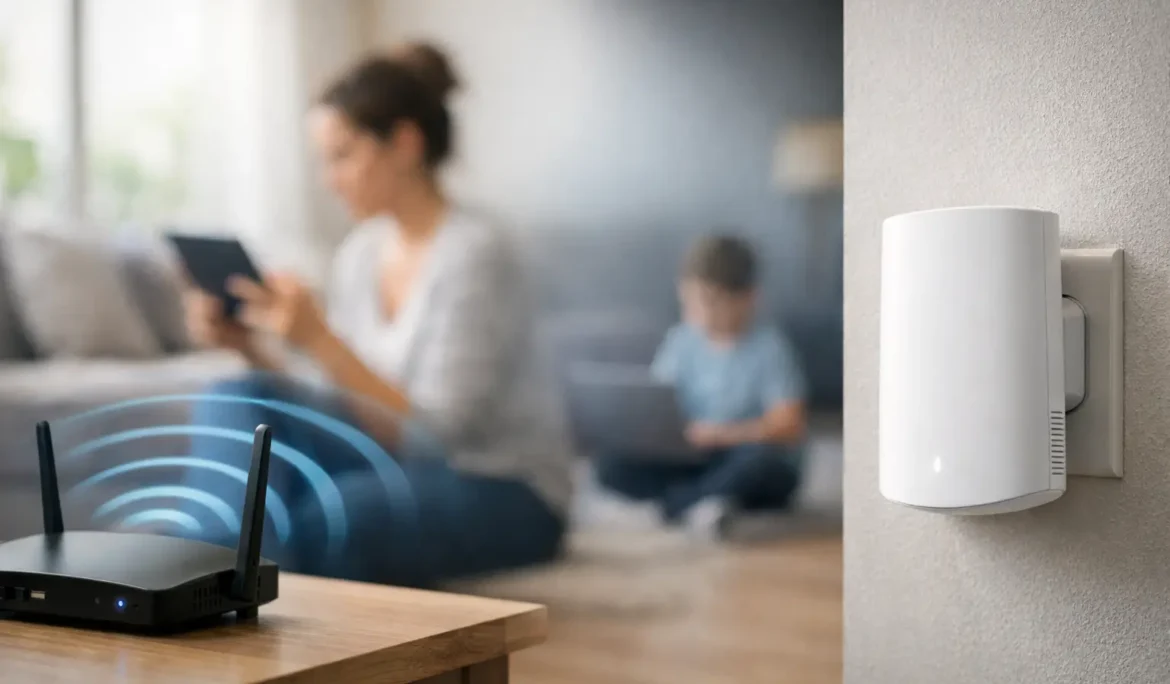
A video call freezes in the upstairs office. Music drops out on the patio. The TV in the family room buffers just when everyone sits down to watch. These are not minor annoyances when your home depends on a reliable connection. Knowing how to fix dead wifi zones starts with recognizing that stronger Wi-Fi is not always about buying a more powerful router. It is about designing coverage around the way your home is built and used.
For homeowners who rely on connected entertainment, smart lighting, security devices, streaming, and work-from-home technology, Wi-Fi should feel invisible. The right network delivers that experience without requiring constant resets, room-by-room workarounds, or a collection of mismatched devices.
Why Dead WiFi Zones Happen
A dead zone is an area where the wireless signal is too weak or unstable to support the devices you use there. In some homes, the signal disappears entirely. In others, a phone may show several bars while streaming, video calls, or smart-home controls still perform poorly. Signal strength is only part of the story. Network congestion, interference, and poor communication between network equipment can all create an unreliable experience.
Home construction has a major effect. Dense materials such as brick, plaster, concrete, stone, metal ductwork, radiant barriers, and tile can weaken wireless signals. Large homes and multi-level floor plans add distance and obstacles. A router placed in a basement utility room, a cabinet, or at one end of the house may work adequately nearby while leaving bedrooms, outdoor areas, and detached spaces underserved.
Modern households also place heavier demands on the network than they once did. A single connection may be supporting multiple 4K streams, video conferencing, game consoles, tablets, phones, smart TVs, cameras, speakers, shades, and lighting controls at the same time. An older all-in-one router can become a bottleneck even when internet service itself is fast.
How to Fix Dead WiFi Zones: Start With a Coverage Assessment
Before moving equipment or adding devices, identify where the problem occurs and when. Walk through the home with a phone or tablet and note the rooms where streaming stops, web pages load slowly, or devices disconnect. Test at different times of day, particularly when the family is using the network heavily.
It helps to distinguish between a Wi-Fi problem and an internet-service problem. If every device throughout the house slows down at once, the issue may be with the incoming connection or network gateway. If the problem is isolated to the primary bedroom, basement, backyard, or a particular office, coverage and equipment placement are more likely causes.
Also look at what sits near the router. Wireless equipment placed behind a television, inside cabinetry, beside metal components, or near large appliances starts at a disadvantage. Microwave ovens, some cordless devices, Bluetooth equipment, and neighboring networks can contribute interference, especially on the crowded 2.4 GHz band.
A professional Wi-Fi assessment goes beyond a quick speed test. It maps signal quality, identifies interference, considers construction materials, and accounts for the location and type of connected devices. That information makes it possible to solve the actual coverage gap instead of adding hardware at random.
Put the Main Router in the Right Place
If your home uses a single router, placement can make a meaningful difference. The equipment should be in an open, elevated, and reasonably central location whenever possible. Avoid closets, enclosed cabinets, basements, and media cabinets filled with AV components. Those locations may be convenient for hiding equipment, but they are rarely ideal for distributing a wireless signal.
Central placement is not always practical, especially in a finished home. The incoming internet connection may enter through a utility area, and moving it may require additional wiring. Still, even small adjustments can help. Raising the router off the floor, moving it away from metal objects, and orienting external antennas according to the manufacturer’s guidance can improve local coverage.
This approach has limits. A better location may improve a marginal room, but it cannot reliably cover a large property, a multi-story layout, or an area separated by dense construction. When the router is simply too far from the devices that need service, the answer is usually to extend the network properly.
Use Wired Access Points for Consistent Whole-Home Coverage
For dependable coverage, professionally placed wireless access points are often the preferred solution. An access point connects back to the network through a wired cable and creates a strong Wi-Fi connection where it is needed. Rather than forcing one router to push through every wall and floor, the home uses multiple coordinated wireless points.
This design is especially effective for larger residences, renovated homes with challenging materials, and spaces that need reliable performance: home offices, media rooms, primary suites, gyms, garages, and outdoor living areas. Ceiling-mounted access points can be discreet, while their placement can be planned to support both performance and aesthetics.
The wired connection is the key advantage. Each access point has a stable path back to the network, so it does not have to relay data wirelessly through another device. That helps preserve speed and responsiveness when several people are streaming or working at once.
A well-designed system also allows devices to move from one access point to another without the homeowner manually switching networks. You should be able to walk from the kitchen to the patio or from an upstairs office to a media room while staying connected to one consistent network name.
When a Mesh System Makes Sense
Mesh Wi-Fi can be a practical option when running new cable is difficult or when a home needs broader coverage without a major renovation. In a mesh system, several nodes work together to extend the network. It can be far more effective than a basic range extender, particularly when the nodes are placed where they still receive a strong signal.
However, mesh is not a cure-all. Wireless mesh nodes use part of their capacity to communicate with one another, which can reduce performance in a busy home. Placing a node inside the dead zone can also fail if it has too little signal to begin with. The node needs to sit between the strong coverage area and the weak one, not at the farthest edge of the problem.
Some mesh systems can use wired backhaul, meaning their nodes are connected by cable. When available, that arrangement provides many of the benefits of a wired access point design while maintaining the convenience of a unified mesh platform. The best choice depends on your home’s layout, construction, existing wiring, and performance expectations.
Do Not Rely on Range Extenders as a Long-Term Fix
A plug-in range extender is tempting because it is simple and familiar. For a lightly used room, it may provide an improvement. But extenders often create separate network names, reduce available bandwidth, and introduce inconsistent handoffs as devices move through the house.
They can also hide the real problem rather than solve it. If an extender is installed where the source signal is already weak, it only repeats a weak connection. For occasional web browsing, that may be acceptable. For 4K entertainment, gaming, video calls, or connected-home control, it frequently leads to continued frustration.
Consider the Network Behind Your Wi-Fi
Dead zones are not always fixed by adding more wireless equipment. The router, switch, gateway, and configuration need to support the number of devices in the home. Consumer equipment may struggle with a growing collection of smart devices, especially when it has been in service for several years.
A properly designed network separates and manages traffic intelligently, keeps equipment updated, and uses access points suited to the space. It should also be installed with future needs in mind. A home theater, outdoor entertainment area, expanded office, or additional smart-home devices can change the network’s requirements quickly.
For new construction and renovations, planning low-voltage wiring before walls are closed is one of the most effective ways to protect long-term performance. Strategic cable runs give you options for access points, televisions, entertainment systems, cameras, and other connected technology without relying on wireless signals to do every job.
Give High-Demand Devices a Wired Connection
Wi-Fi is essential for mobile devices, but not every device needs to use it. Whenever practical, a wired network connection can improve reliability for stationary, high-demand equipment such as streaming players, gaming systems, desktop computers, and home theater components.
This does not eliminate the need for strong wireless coverage. Instead, it reduces unnecessary competition for airtime and gives critical entertainment equipment a more consistent path to the network. The result is a better experience across the entire home, particularly during busy evenings when everyone is online.
Build a Network That Fits the Home
The goal is not to fill the house with the most equipment. It is to create a network that supports your floor plan, construction, devices, and lifestyle with minimal effort from the people using it. A compact home may need only better router placement. A larger or more complex property may benefit from a coordinated, wired access point system designed around where coverage truly matters.
Cine Acoustic approaches Wi-Fi as part of the connected home, not as an isolated gadget purchase. When networking is considered alongside entertainment, automation, and the rooms where your family spends time, the result can be far more dependable and easier to use.
A reliable network should disappear into the background, leaving you free to work, stream, entertain, and enjoy every room of your home without wondering whether the Wi-Fi will reach.