

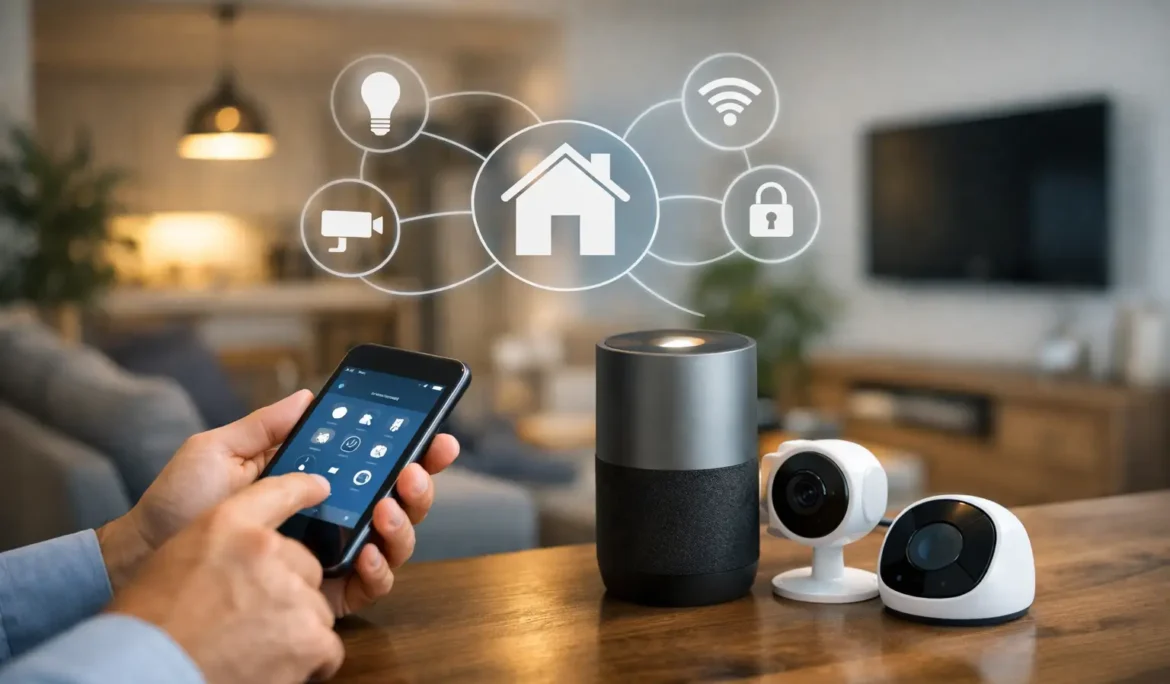
Most smart home problems start before the first device is installed. A homeowner buys a video doorbell, adds a few smart bulbs, swaps in a thermostat, and then realizes nothing works together the way it should. If you are wondering how to set up a smart home automation system, the goal is not to collect gadgets. It is to create a home that responds simply, reliably, and in ways that actually fit your routine.
That distinction matters. A well-planned system can manage lighting, climate, shades, audio, security, and entertainment with very little effort from the homeowner. A poorly planned one can leave you with multiple apps, weak Wi-Fi, delayed responses, and family members who avoid using the system altogether.
Start with the lifestyle, not the devices
The best smart home automation systems begin with a simple question: what do you want your home to do for you? For some households, that means lights that adjust throughout the day and shades that lower automatically in the evening. For others, it means whole-home audio, one-touch movie nights, or the ability to check in on the house while away.
This is where many DIY setups go off course. People shop by product category instead of by outcome. They think in terms of smart locks, smart speakers, and smart switches rather than everyday experiences. A better approach is to think about scenes and routines. When you leave home, should the lights turn off, the doors lock, and the thermostat adjust? When you press one button for movie night, should the room lighting dim and the entertainment system power on to the right source?
Once you define the result, product selection becomes much easier and far more cohesive.
How to set up a smart home automation system with the right foundation
Before choosing a platform, make sure the home itself is ready to support it. The most elegant keypad or touchscreen will still disappoint if the network is unstable. Strong Wi-Fi coverage and a dependable network backbone are the foundation of any modern automation system, especially in larger homes where dead zones and inconsistent performance are common.
That is why networking should be treated as part of the system, not as a separate afterthought. Devices such as streaming components, control processors, smart TVs, cameras, and access points all rely on consistent connectivity. If the network is overloaded or poorly designed, the automation experience will feel unreliable even when the individual products are high quality.
Homes that are being built or renovated have a major advantage here. Wiring can be planned in advance, equipment locations can be organized properly, and controls can be integrated more cleanly into the architecture. Existing homes can still be upgraded successfully, but they may require a more careful balance of wired and wireless solutions.
Choose a platform that brings everything together
A smart home should feel unified. That usually means selecting a control platform designed to manage multiple categories of technology through one consistent interface. Instead of opening one app for shades, another for audio, and another for lighting, a professionally designed platform brings those functions together.
This is where system design matters more than brand names alone. Some homeowners want simple room-by-room control. Others want whole-house scenes, remote access, voice integration, and dedicated wall controls. The right platform depends on the scale of the property, the categories being integrated, and how hands-on or hands-off the homeowner wants the experience to be.
There is also a trade-off to consider. Open ecosystems can offer flexibility with consumer devices, but they may deliver a less polished experience. More curated platforms often provide stronger reliability, cleaner user interfaces, and better long-term consistency. For homeowners who care about performance and ease of use, that trade-off is usually worth taking seriously.
Prioritize the systems you use every day
Not every smart upgrade carries the same value. If you are planning how to set up a smart home automation system, begin with the categories that affect daily comfort and convenience the most.
Lighting control is often the strongest starting point because it changes how the home feels immediately. It can improve ambiance, simplify daily routines, and reduce the need to walk through the house flipping switches at night. It also pairs naturally with motorized shades, which help manage privacy, glare, and daylight while keeping rooms visually clean.
Climate control is another practical choice. Automated temperature adjustments based on schedule, occupancy, or time of day can improve comfort without requiring constant manual changes. Entry points such as door locks, video doorbells, and surveillance can also fit into the system well, especially when tied to notifications and away modes.
Entertainment should not be overlooked either. In many homes, smart automation becomes most visible in media spaces, family rooms, and outdoor living areas. Bringing audio, video, lighting, and control together in those zones can make the technology feel less like a collection of parts and more like part of the home itself.
Keep the user experience simple
One of the biggest mistakes in smart home design is over-automating. Just because a system can trigger twenty events at once does not mean it should. The best automation feels natural. It reduces friction instead of adding another layer of complexity.
That usually means creating a few meaningful scenes rather than endless custom commands. Good examples include Good Morning, Away, Entertain, Dinner, and Movie Night. These scenes should be intuitive enough that anyone in the household can use them without a learning curve.
Control methods matter too. Some homeowners prefer in-wall keypads for common actions, while others rely more on a phone or tablet. Voice control can be helpful, but it works best as a convenience feature rather than the primary control method. In most homes, the ideal setup uses a combination of interfaces so the system remains easy to access in different situations.
Plan for aesthetics as much as performance
Technology should support the design of the home, not fight against it. This is especially important in well-designed interiors where visible devices, mismatched finishes, and scattered remotes can quickly disrupt the look of a space.
A thoughtful automation plan accounts for where equipment lives, how controls appear on the wall, and how entertainment components are concealed or displayed. In some rooms, that may mean selecting elegant keypads instead of banks of switches. In others, it may mean placing equipment in centralized locations and simplifying what is visible in the room.
The right design balances clean aesthetics with practical access. Hiding everything is not always the answer if it makes service or operation more difficult. The goal is to create a finished result that feels intentional, refined, and easy to live with.
Test for real life, not just installation day
A smart home system is only successful if it works under everyday conditions. That includes busy mornings, guests visiting, kids using media rooms, and homeowners accessing the house while away. A good setup should be tested beyond the basic question of whether the devices power on.
Lighting scenes should be checked at different times of day. Network performance should hold up when multiple devices are streaming. Entertainment zones should switch sources predictably. Notifications should arrive when they are supposed to, and controls should remain consistent from room to room.
This is one reason professional programming and setup can make such a difference. The technology itself may be capable, but the quality of the final experience depends on how well the system is configured, customized, and supported after installation.
Think beyond the first phase
A smart home does not need to be built all at once. In fact, many of the best systems start with a clear first phase and room to grow later. The important part is planning for expansion from the beginning so future additions fit the original design instead of creating new islands of technology.
For example, a homeowner may begin with lighting, networking, and a media room, then add motorized shades or outdoor entertainment later. When the underlying platform and infrastructure are chosen carefully, those additions feel like part of the same system rather than separate projects.
That long-view approach also protects ease of use. It is much easier to expand a smart home when the controls, interfaces, and automation logic were designed as part of a broader strategy.
Why expert design changes the outcome
There is a real difference between buying smart devices and creating a smart home. The first is transactional. The second is consultative. It requires understanding how the homeowner lives, which technologies belong together, and how to make the finished system both powerful and approachable.
For homeowners who want reliable performance without managing compatibility headaches, professional guidance can remove a lot of uncertainty. A company like Cine Acoustic helps bring structure to that process, from system planning and product selection to installation, customization, and long-term support. That is especially valuable when multiple systems need to work together cleanly and consistently.
The right smart home does not ask you to think about technology all day. It quietly supports comfort, entertainment, security, and convenience in the background. When it is planned well, your home feels easier to enjoy from the moment you wake up to the moment the lights go down at night.